Touchscreen not working
Step
Wipe off any dust or dirt on your touchscreen.
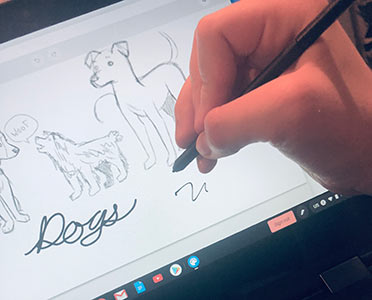
Try to touch the screen and use the pen to try opening an app and drawing or writing.
Step
If that does not work, restart your Chromebook.
Hold down the refresh button on your button, it looks like a circling arrow.
Tap the power button on the side of your Chromebook, hold if needed.
The screen should turn black. Wait for the computer to turn back on.
